Your Tests Pass. This Bug Still Slips Through — AI Has the Fix
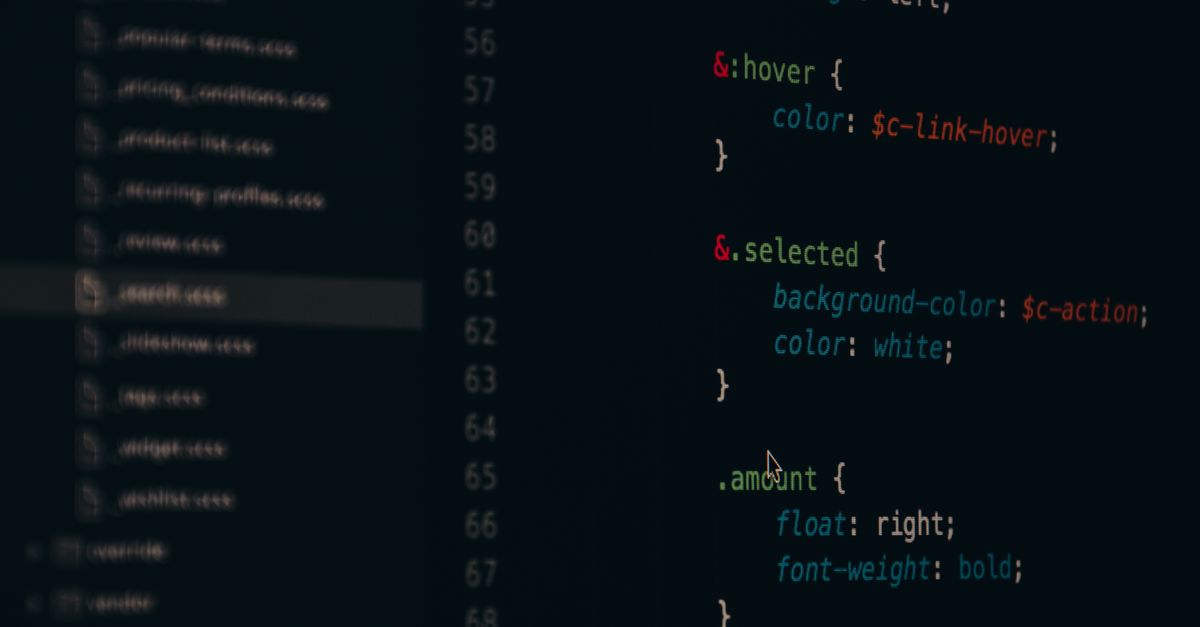
A permission check passed every test, then handed one user near-total access. Formal proofs would have made that bug impossible. AI just made them cheap.
Tech troubleshooting that actually works.
Real fixes · No fluff · Updated 2026

Category
Tips, hidden features and fixes for the apps you use.
15 articles

A permission check passed every test, then handed one user near-total access. Formal proofs would have made that bug impossible. AI just made them cheap.

A touchscreen, OLED, possible 5G, and a chip choice that quietly skips an entire generation. Here is what is actually coming.

Cursor just shipped an iPhone app for its coding agents. The reason it matters is bigger than one app launch.

Netflix is forcing every profile under your account to have its own email login. Here is what changed, why it is trending, and what it means for you.

Apple pulled VKontakte and the state-backed Max messenger from its Russian App Store. The Kremlin is furious and telling citizens to switch to Android.

Instagram is testing longer-form video, episodic series and Live TV for its living-room app, putting it on a collision course with Netflix and Prime Video.

Beyond the Siri AI headlines, iOS 27 quietly adds receipt-splitting in Wallet, flexible Find My sharing, smarter Apple Maps, and more. Here is what matters.

Updates patch the exact holes attackers hunt for. Here's which ones to install now, which to wait on, and how to do it safely.

Task managers, text expanders, scanners, and focus blockers that actually save time, with honest picks for each job.

App bloat, skipped updates, blind agreements, weak passwords: the everyday software habits that cost you speed and security, and how to fix each.

The app habits quietly killing your battery, filling your storage, and leaking your data — plus the exact settings that fix each one.

Swipe gestures, smarter notifications, widgets, split-screen, and voice control: the built-in features that cut steps out of everything you do.

The operating-system shortcuts, virtual desktops, and window-snapping tricks that make any computer feel faster — no new hardware required.

Search operators, text expansion, and toolbar tricks that quietly cut minutes off the work you do every single day.

The swipe gestures, automations, and home-screen setups that turn your phone from a time sink into a genuinely faster tool.